Create or join a room
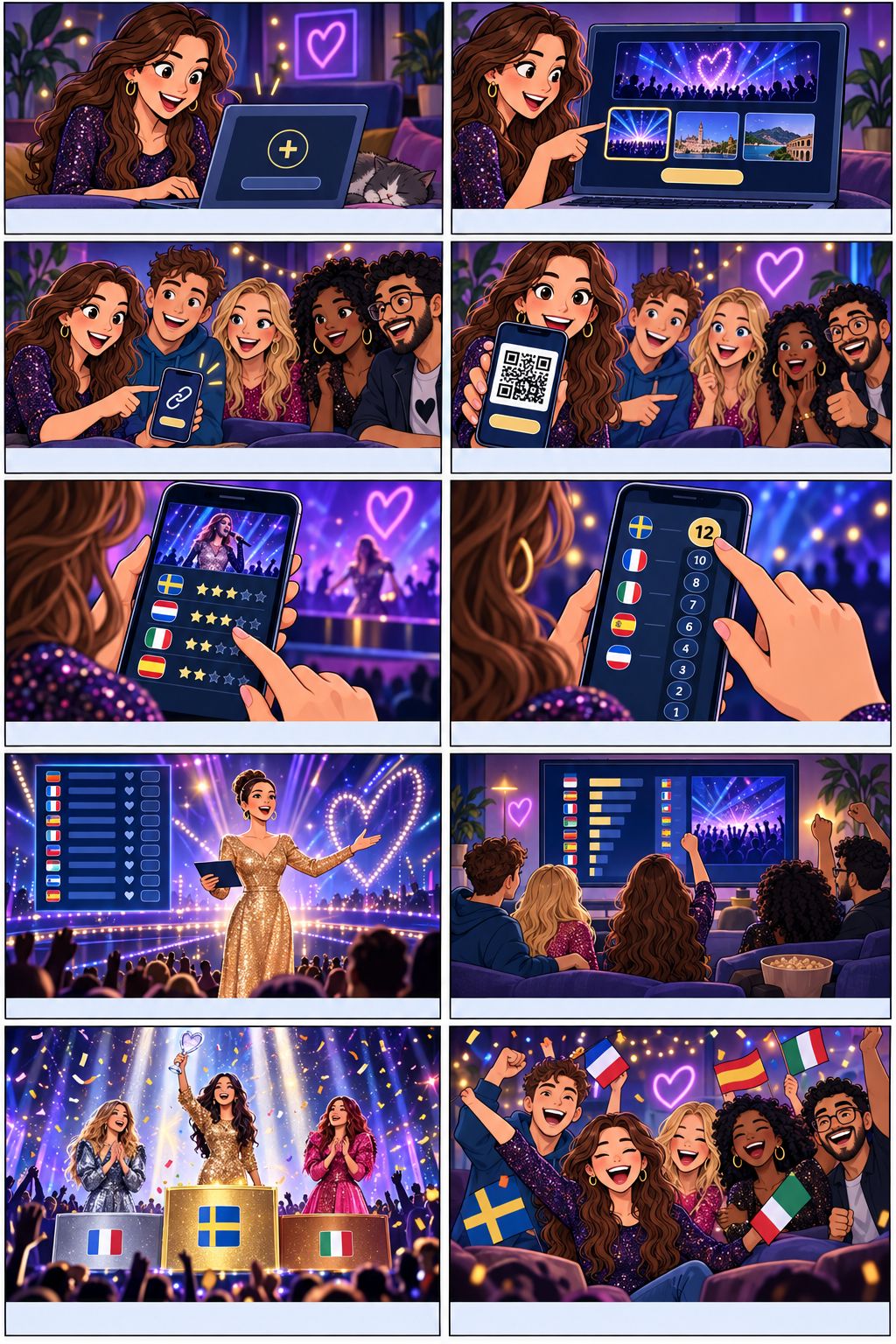
The host creates a room and shares the link or QR code. Join with your account, then wait until everyone is ready.
A simple four-panel way to understand the voting flow.
The host creates a room and shares the link or QR code. Join with your account, then wait until everyone is ready.
Rate each performance for vocals, staging and song. Your evaluations build your personal ranking.
Once your evaluations are complete, award Eurovision points from 1 to 12 to your Top 10. If there is a tie, break it manually.
Check your ranking, then submit your votes. They will be included in the room ranking and comparison.
When the presentation starts, each presenter reveals their points live: 7, 8, 10 and then 12 points, just like the Eurovision scoreboard.